DaVinci Resolve is a powerful editing tool and a FREE alternative to other software such as Adobe Premier and Sony Vegas. Naturally, there is a premium upgrade available, but is it worth the $300 price tag?

Why Use DaVinci Resolve?
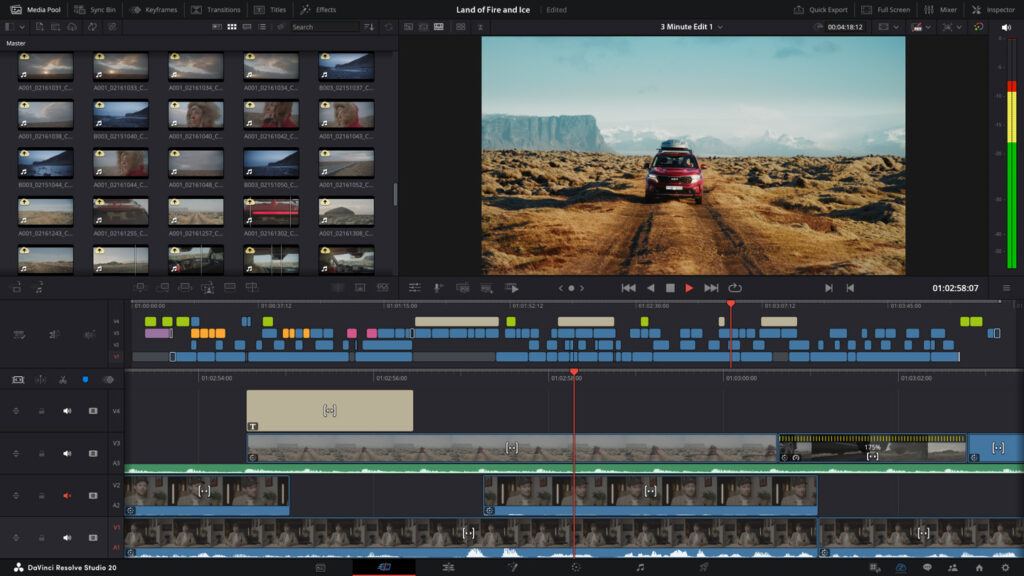
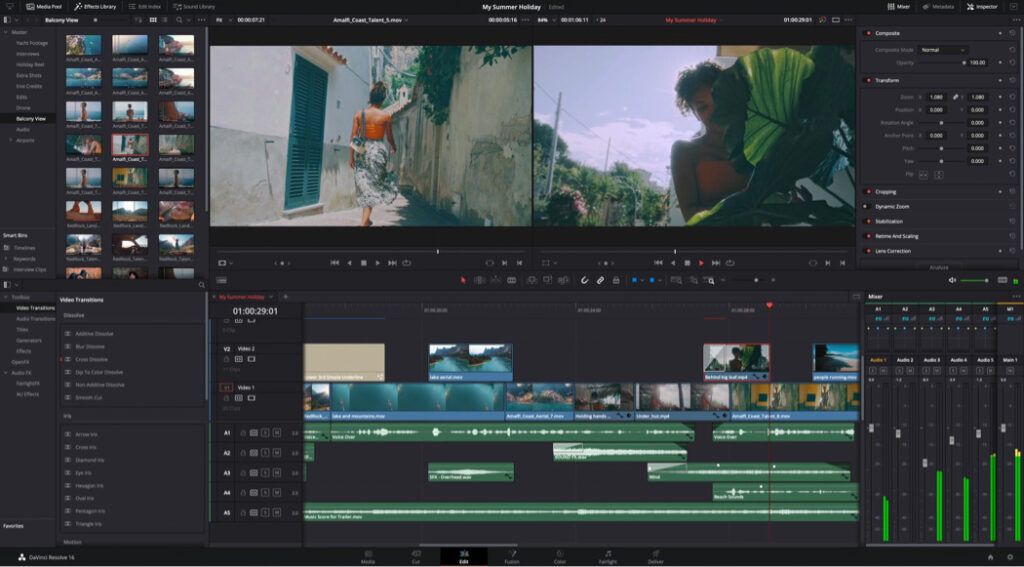
As with all software, there are pros and cons to each, but DaVinci has a lot of features in both the free and pro versions which can speed up your workflow and elevate your edits. It features different tabs which are designed to represent the different editing stages of a project and includes a lot of tools which are usually premium plug ins for other programs.
For example, the fusion tab is incredibly powerful and has the ability to create all kinds of effects that you would traditionally find in AferFX or other tools. Similarly, the sound and colour tabs, allow you edit media sources on the fly and add frames/masks to your project with a few clicks.
You can find more about these tools in our previous tutorials.
Benefits
There are a bunch of features in the base version of DaVinci Resolve with some samples of what to expect in the pro version. What surprised us, is how much was added into the pro version that wasn’t teased in the Free edition. There are far more tools and utilities added and editing between the two versions, but let’s focus on the main ones.
AI Voice Isolation and Noise Suppression
Nobody wants AI tools inflating their software, but the AI tools in DaVinci are nothing to gripe about. They are basically super charged filters that are able to filter out unwanted noise and isolate the dialogue in your soundtracks. This can be helpful to remove unwanted background noise or separate game audio if you’ve accidently recorded on the same track.
Automatic Subtitles
Although not perfect, the automatic subtitles can be an incredible time saver. Again we’re using AI to better process the dialogue and generate the subtitles, and you can edit the style and layout of them pretty easily.
Extended Tools Library
With each new update, DaVinci Resolve adds to the transitions and effects in your arsenal, but the pro version includes even more of these for you to play with. You could spend literally hours going through each of the audio and visual effects templates, and trying out all the settings for yourself.
Cost
Yes, DaVinci Resolve is expensive. Sitting at around $300 you’re certainly going to be looking for a sale, but this is a one off purchase for a life-time licence, of a program that has received four updates since I bought it earlier this year. When compared to other companies who now charge a monthly premium service fee, it becomes way more reasonable.
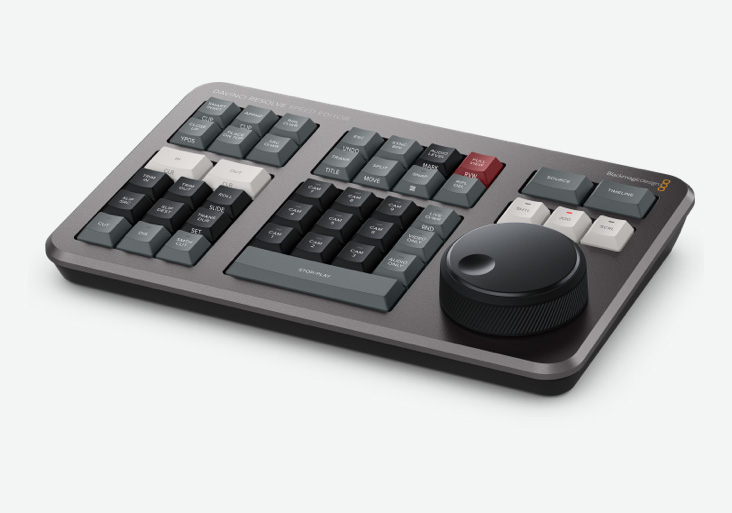
The other thing to consider is that DaVinci Resolve is often a few product added in to Black Magic Design products. For example, the DaVinci Resolve Speed Editor. I was able to pick up both the speed editor and the pro licence for DaVinci for under $400 and to be honest, I’ve never looked back.
Is DaVinci Resolve Pro Worth The Investment?
The price point may be a little steep for most, but it’s totally worth the investment if you’re looking to do editing full or even part time. The pro features can shave literal hours off a project and the speed editor I got alongside my copy really made a difference.
If you only edit one or two videos a month, the pro-features will probably not be enough to encourage you unless you’re really struggling with audio issues. It can certainly mend and cover a lot of issues more easily, but the tools are there in the free version for all your basic editing needs.
Looking For More on DaVinci Resolve?
Check out our other DaVinci Resolve tutorials and level up your content game today!
About the Author