
Starting out as a streamer or content creator is not easy. It comes with a lot of programs to learn and many expenses that accumulate over time. The most desired stream asset is custom emotes to use in your livestream chats. However, these are often expensive and difficult to get right. Which is where EmoteLab comes in.
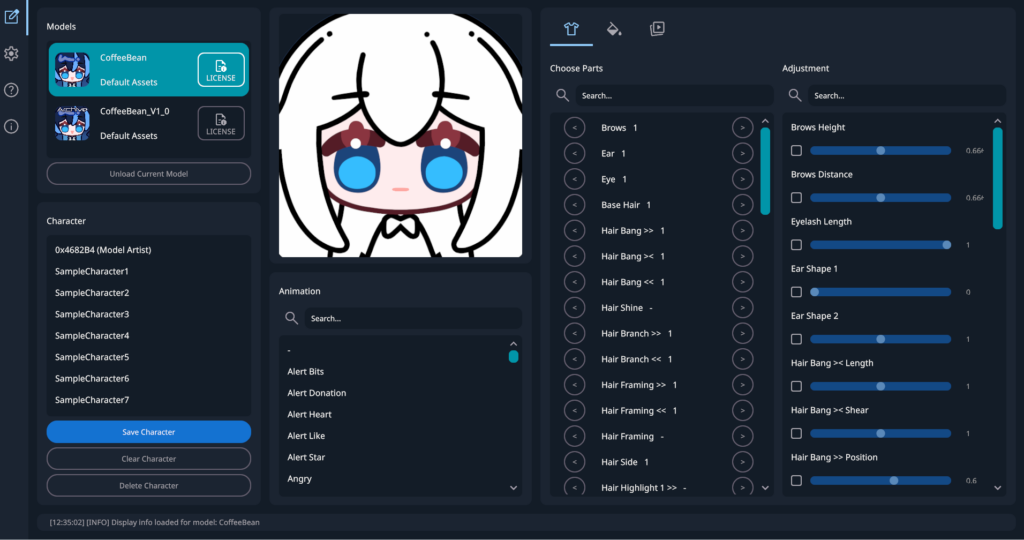
Customise Your Avatar
There have been many custom avatar services on Piccrew and other services over the years. They work from base assets that can be swapped out to create the ultimate avatar that represents your personality. These assets are created by artists and are often free to use on the Internet for non-commercial purposes.
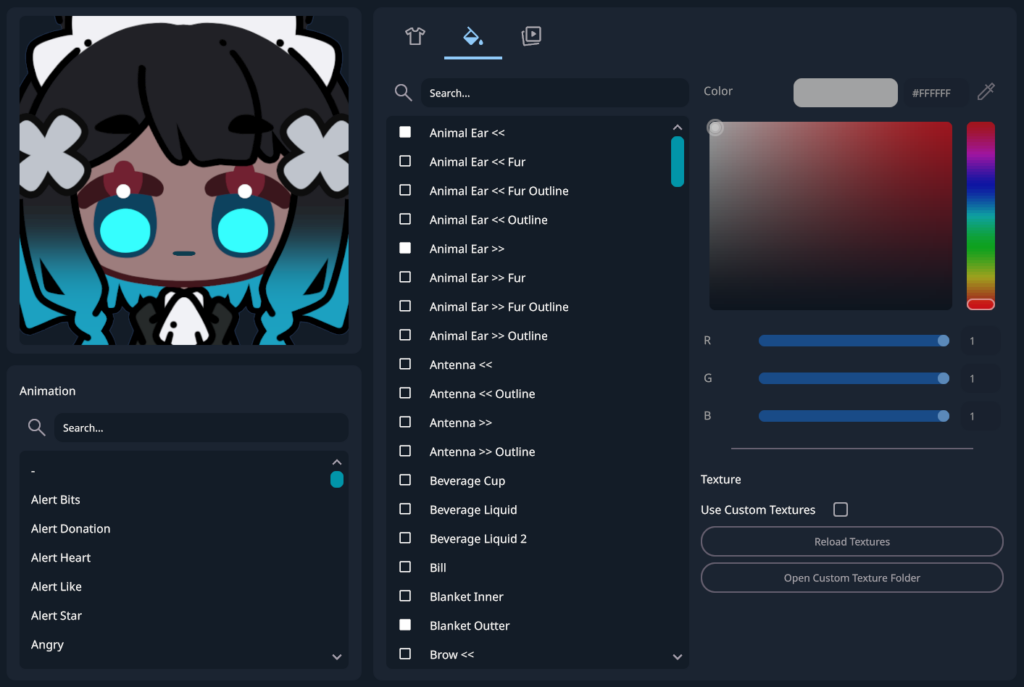
EmoteLab follows this trend and expands upon it. It lets users edit their avatars and place them in different animations for export. Choosing from a collection of pre-sets, you can create all kinds of incredible avatars and animated emotes. You can even adjust the camera’s position to frame it however you want.
Each pre-set comes with colour-changing options, and some include sliders to adjust the length and angle. I found them pretty versatile and appreciated the colour dropper tool for quick colour changes.
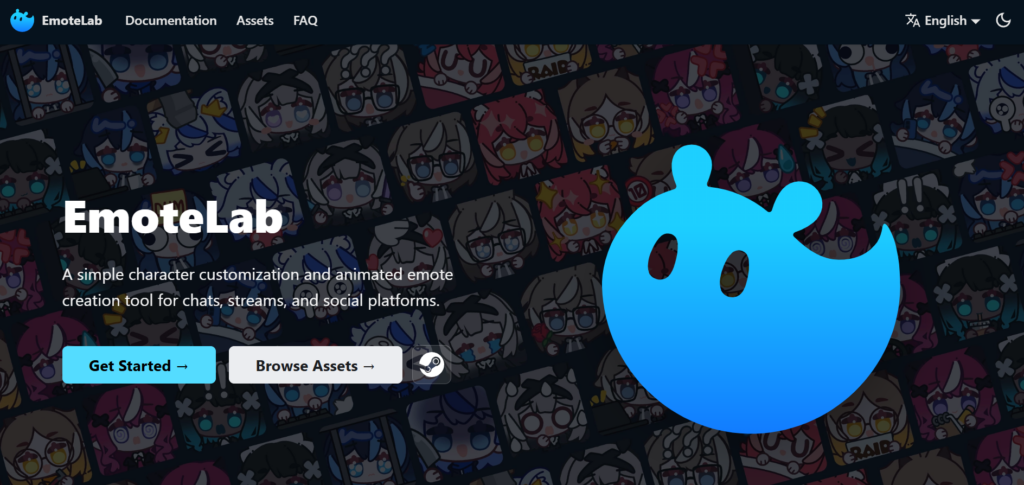
How Does It Work?
Honestly, it works really well. It only took me a few minutes of playing around with the EmoteLab program to get to grips with all the various pre-sets and sliders. Some things are tucked away in separate menus, but the EmoteLab’s website has a pretty comprehensive guide if you’re stuck.
Customise Even More Things
I had a quick look at the custom assets for EmoteLab. They’re on the same level of difficulty as replacing RPG Maker assets in that you need to have the asset sheets sized and imported correctly. It’s not especially easy to do, and the guide will be a bit much for a total noob, but it is an option.
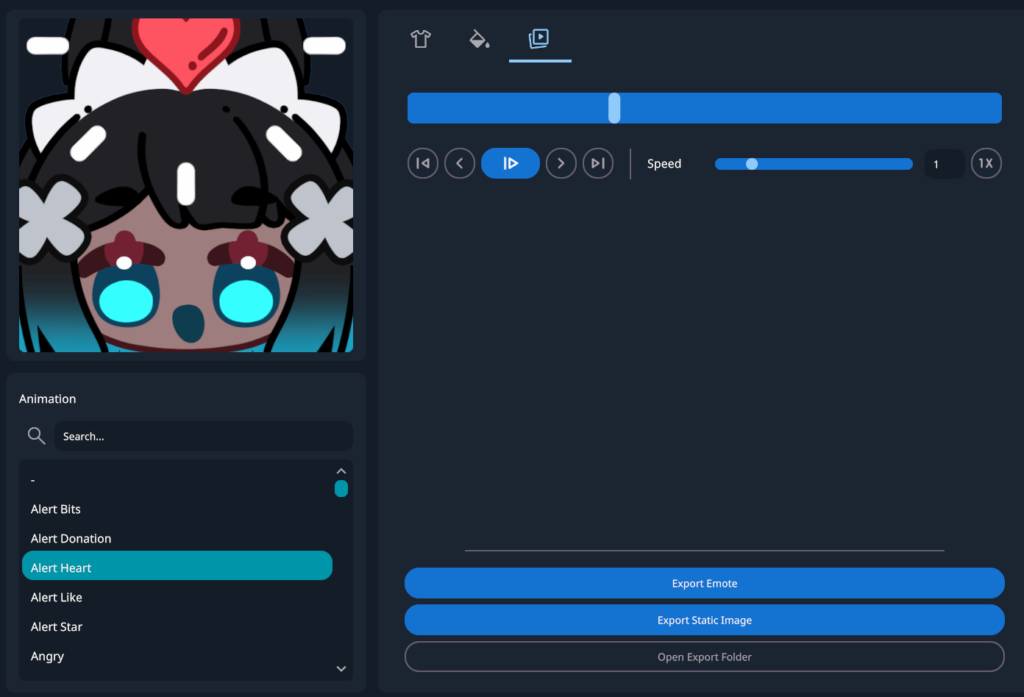
Uploading For Use
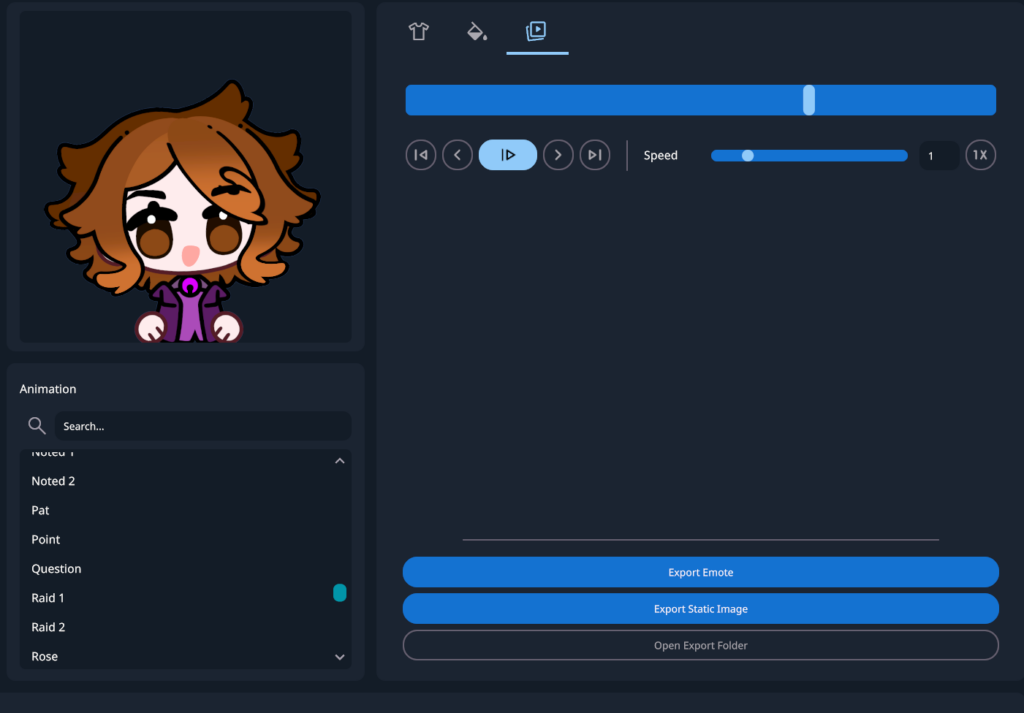
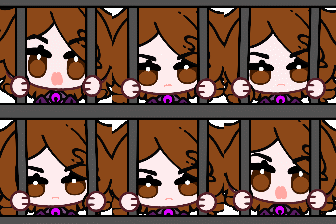
The emotes I exported were uploaded and approved easily. I tried them out on a few channels to see what people thought, and there was some good feedback. You can also export them as static emotes and pause them on the frame that you most desire.
My Thoughts
While EmoteLab has its limitations, it’s still pretty versatile. It will never replace actual artists but it will be enough for a lot of beginners. The custom textures aren’t as user-friendly as I’d like, but you can find some assets from community members online.


It’s not aimed at people who can draw; you would be much better off creating these assets yourself for the time it takes to edit all the sliders. For a complete beginner with no artistic talent, it’s a great stepping stone and the perfect alternative to using generative slop.
Want More Tutorials?
Looking to level up your content creation more? Check out our other tutorials now.
About the Author


I agree, it’s a good stepping stool for beginners and people who can’t afford getting custom emotes from the get go (or feel like they can’t draw themselves).
Still better than AI.